AI Automation
17 Nov, 2026


Our Blog Details
Home / Our Blog Details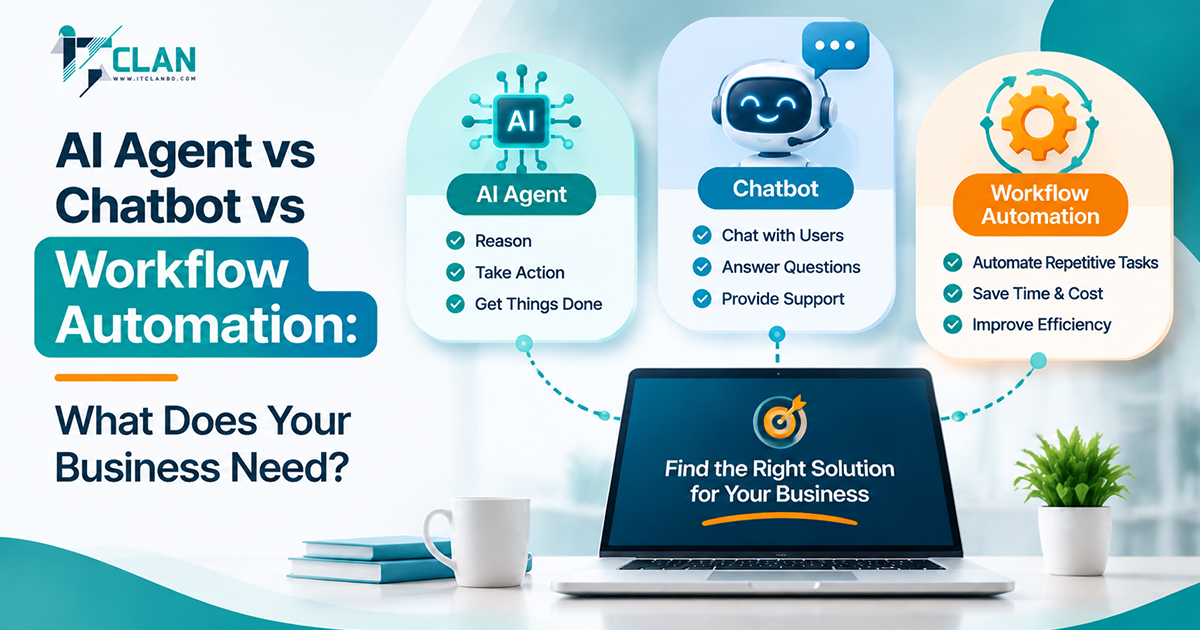
Choose a chatbot when people need a conversational way to get information or start a request. Choose workflow automation when the process follows defined triggers, rules and steps. Consider an AI agent when the system must adapt its next actions to what it discovers. Many businesses need a combination, with people retaining control over important decisions.
These options overlap. A chatbot can trigger an action, a workflow can include AI, and an AI agent can appear inside a chat window.
The most useful question is what your business process requires: a better conversation, reliable execution of known steps, or flexible investigation across changing situations.
| Factor | Chatbot | Workflow automation | AI agent |
| Main role | Provide a conversational interface | Carry out an established process | Pursue a defined goal using adaptable steps |
| Typical starting point | A message from a user | An event, schedule or manual request | A user request, event or assigned task |
| What determines the next step? | Scripts, AI responses or connected logic | Configured rules, branches and sequence | The model chooses among permitted actions based on context |
| Does it need AI? | No; it may be rule-based | No; AI can be added to particular steps | Modern LLM agents use an AI model |
| Can it update other systems? | Yes, with authorized integrations | Yes, through configured actions | Yes, through permitted tools |
| Good starting use | Service questions and enquiry intake | Lead routing, reminders and approvals | Investigating cases whose next steps vary |
| Key evaluation question | Did the person get useful help? | Did the process finish correctly? | Did it achieve the goal within its permissions and limits? |
These are practical distinctions, not universal product labels. Ask vendors to demonstrate the behavior behind the terminology.
A chatbot lets someone interact with software through text or voice. It may follow fixed choices, generate answers from company information, or connect the conversation to a business system.
IBM distinguishes rule-based chatbots from AI chatbots and notes that modern chatbots can retrieve information and complete transactions through integrations. A chatbot is therefore not restricted to answering FAQs. Source: IBM
For example, a visitor might ask a service business:
“Do you maintain existing websites, and what information do you need for a quote?”
A chatbot could explain the approved service scope, ask for the website URL and pass the enquiry to the team.
A chatbot may add little value if a short form or clearly labeled page already helps people finish faster.
For a defined conversational use case, ITclan BD’s AI chatbot development services cover knowledge sources, integrations and human handoff.
Workflow automation runs a process according to configured triggers, rules and actions.
A simple example is a website enquiry arriving, being recorded in a CRM, assigned to the appropriate team and acknowledged by email.
A workflow can contain many branches, retries and approval stages while still following a process that people designed in advance. Complexity alone does not make it an AI agent.
Microsoft’s Power Automate documentation shows how workflows can request approval and wait for a person’s decision before continuing. Automation can coordinate human judgment without replacing it. Source: Microsoft
Workflow automation is often a useful starting point for repetitive administration. However, its reliability still depends on data quality, integration behavior and exception handling.
Our guide to automating business processes with custom software explores the broader implementation work.
An AI workflow keeps the overall process defined while using AI for particular tasks.
For example:
The AI handles a variable document format, but it does not decide the company’s approval policy.
If your bottleneck is a repeatable process containing document interpretation or message classification, AI workflow automation services may fit without introducing an autonomous agent.
In this comparison, an AI agent is a model-driven system that can select tools and adjust its sequence of actions while working toward a defined goal.
Anthropic distinguishes predefined workflows from agents that dynamically direct their process and tool use. That architectural distinction is more useful than assuming that every AI-powered integration is an agent. Source: Anthropic
Consider an operations assistant investigating why a delivery complaint remains unresolved.
Depending on the available evidence, it might check order records, inspect carrier updates, retrieve an earlier support conversation or ask a clarifying question. The next step changes according to what it finds.
It could then prepare an evidence-based recommendation for an authorized person.
Access to several tools is not sufficient by itself. If every tool call follows fixed rules, an ordinary workflow may already cover the requirement.
ITclan BD’s AI agent development services start with a measurable task, access boundaries and a defined pilot.
The examples below are planning illustrations, not claims about deployed ITclan BD systems.
| Business task | Sensible starting approach | Why |
| Answer questions about services | Chatbot | The central need is a useful conversation based on approved information |
| Assign enquiries by location and service type | Workflow | Explicit routing rules can determine the destination |
| Read invoices and request approval | AI-assisted workflow | AI extracts information; validation and approval follow defined rules |
| Send reminders for overdue documents | Workflow | Dates, conditions and recipients can be configured |
| Investigate an unusual account issue | Agent with human review | Different evidence may require different permitted lookups |
| Handle routine employee onboarding | Workflow, optionally with a chatbot | Standard tasks follow a checklist; chat can answer questions |
| Compare project records and prepare an exception report | Workflow or agent, depending on variability | Fixed checks favor a workflow; adaptive investigation may justify an agent |
A support ticket classifier does not automatically need an agent. One AI classification step followed by fixed routing may be enough.
Similarly, a chatbot that creates a ticket is not necessarily planning autonomously. It may simply call an approved workflow.
Yes. They can serve different parts of the same process.
Imagine a customer requesting help with a delayed order.
The chatbot handles the conversation. It collects the issue, guides customer verification and explains what will happen next.
The workflow applies standard rules. It retrieves permitted records, checks documented conditions and routes a request to the appropriate queue.
An agent may investigate exceptions. If the case requires an unpredictable sequence of lookups, a bounded agent could gather evidence and prepare a recommendation.
An authorized person approves consequential actions. Refund exceptions or account changes can remain behind a defined approval step.
Not every delayed order needs an agent. If the normal workflow can resolve it, adding an agent may introduce unnecessary cost and uncertainty.
The design should make the handoff clear: what information has been collected, what has been checked and who is responsible next.
There is no reliable universal price order.
A small chatbot using approved FAQs can be simpler than an automation connecting several legacy systems. A tightly scoped agent can be smaller than a large customer-service platform.
Cost depends on the work involved:
| Cost area | What to evaluate |
| Initial setup | Process mapping, conversation design, configuration and development |
| Integrations | Authentication, API access, data mapping and existing system limitations |
| Recurring use | Software subscriptions, model calls, messages and execution volume |
| Human involvement | Reviewing outputs, approvals, exception handling and corrections |
| Maintenance | Updated content, changed rules, broken integrations and evaluation |
Agent designs may make repeated model and tool calls, so set usage and execution limits. Do not assume a polished demonstration represents the ongoing cost of production work.
Compare total cost per correctly completed task, including review and rework. Avoid treating every automated response or attempted execution as a successful outcome.
“Add AI” is not a usable requirement.
“Record a qualified website enquiry in the CRM and assign it to the correct team” defines an outcome you can test.
If yes, start by evaluating a workflow.
If people mainly need a conversational interface, consider adding a chatbot to that process.
If the next steps cannot be determined until evidence is gathered, evaluate whether an agent adds value.
Understanding an unstructured message or document may require AI, but it does not automatically require autonomous planning.
One extraction or classification step may be sufficient.
Separate reading information, drafting a proposed action and executing it.
A system allowed to summarize account records does not automatically need permission to modify them.
OWASP identifies excessive functionality, permissions and autonomy as sources of risk. Permissions should be enforced by the connected application, with approval for high-impact actions rather than relying only on model instructions. Source: OWASP
Agree on evaluation before implementation.
Use representative cases, known exceptions, missing information and integration failures. Check the actual resulting records and actions, not only whether the response sounds convincing.
Our overview of integrating AI into custom software provides broader context for data, integration and ongoing improvement.
Choose one recurring task and record how it currently works.
Document the inputs, expected outcome, handling time, common mistakes and escalation owner. Then pilot the simplest design that could improve it.
| Pilot type | Useful success measures |
| Chatbot | Answer accuracy, task completion and successful human handoffs |
| Workflow | Correct record updates, completed runs, duplicate actions and exception recovery |
| AI agent | Correct outcomes, permission compliance, intervention rate and cost per completed task |
Review both ordinary cases and failures.
For workflows and agents that update records, test whether retries can accidentally create duplicates. For chatbots, test whether the user can reach a person. For agents, test whether they stop or escalate when required information is unavailable.
Expand only when the pilot demonstrates an improvement worth maintaining.
A useful automation project starts with a concrete task, reliable information and clear responsibility for exceptions.
You may need a chatbot, a workflow, an agent or a combination. The right choice is the one that completes the task reliably within an acceptable budget and level of oversight.
ITclan BD can help map your process and scope a practical first release. Discuss your business automation requirements.
Not necessarily. A chatbot describes the conversational interface. An agent describes how a system selects and carries out steps toward a goal. An agent can operate through chat, but it can also run in response to an event without a chat window.
No. Many workflows use explicit rules and structured data. AI can help with selected steps, such as interpreting an attachment, while the rest of the process remains defined.
Yes. With the appropriate integrations and authorization, it can create tickets, start bookings or trigger other workflows. Taking an action alone does not prove that the system uses autonomous agent planning.
No. A fixed workflow can connect multiple applications. An agent becomes relevant when the system must adapt which actions it takes based on the situation, rather than follow an established path.
Start with its clearest bottleneck. Repeated information questions may suit a chatbot; repetitive administration may suit a workflow. Consider an agent when adaptive investigation offers enough additional value to justify its evaluation and supervision.
Quality Is Our Strength
To add AI features to existing software, choose one measurable user task, check the application’s integration options, connect the necessary data, and build a small working feature. Test ...
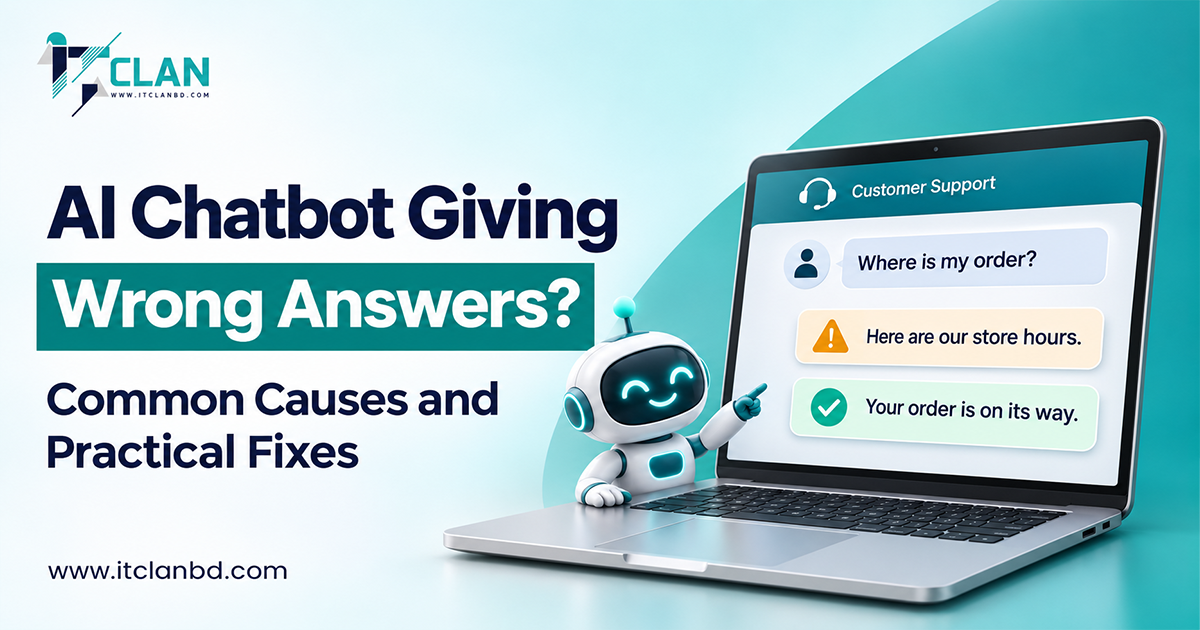
An AI chatbot can give wrong answers because its information is outdated, it pulls the wrong source, it misunderstands the question, or it fills in details it cannot verify. For order updat...
Choose a chatbot when people need a conversational way to get information or start a request. Choose workflow automation when the process follows defined triggers, rules and steps. Consider...